
Deprecation noticeFor GitHub repositories, now uses GitHub App authentication, which means a Personal Access Token is no longer required. This page is retained for reference purposes only.
This process only needs to be followed by the person who is responsible for setting up the project in through the Public API. Other users who will be designing pipelines within this project after creation do not need to follow this process.
Generating a fine-grained access token
- Log in to your GitHub account.
- Click on your profile and navigate to Settings.
- Click Developer settings.
- Click Personal access tokens, then click Fine-grained tokens.
- Click Generate new token.
- Enter a name and/or description for the token to help you identify it.
- Choose a suitable expiration date, and the intended repositories to use.
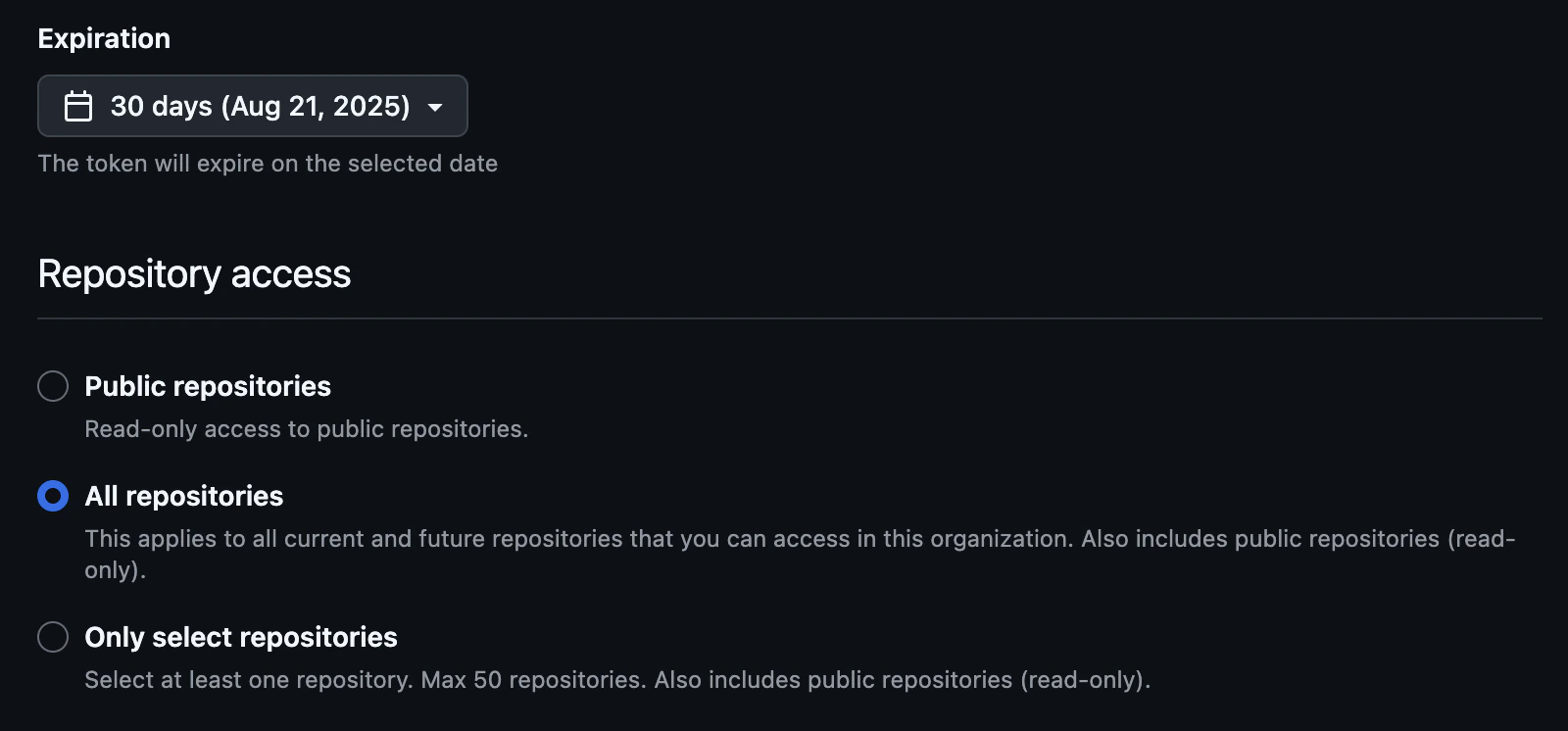
- Select the minimum read-only permissions that requires.


- Click Generate token
- Ensure that you copy and securely store the token—GitHub will not show it again.
Best practices and security considerations
The Personal Access Token should be stored in a suitable location such as a password manager or encrypted vault, as per your organizational security policy. The token provided in the request will not be stored by Matillion. Once the token has served its purpose to set up the repository information on the project, the token can either:- Be left to expire as per the expiration date set when creating the token.
- Be manually revoked within the Git provider.