
Authentication
To authenticate the endpoint in the API reference, follow these steps:-
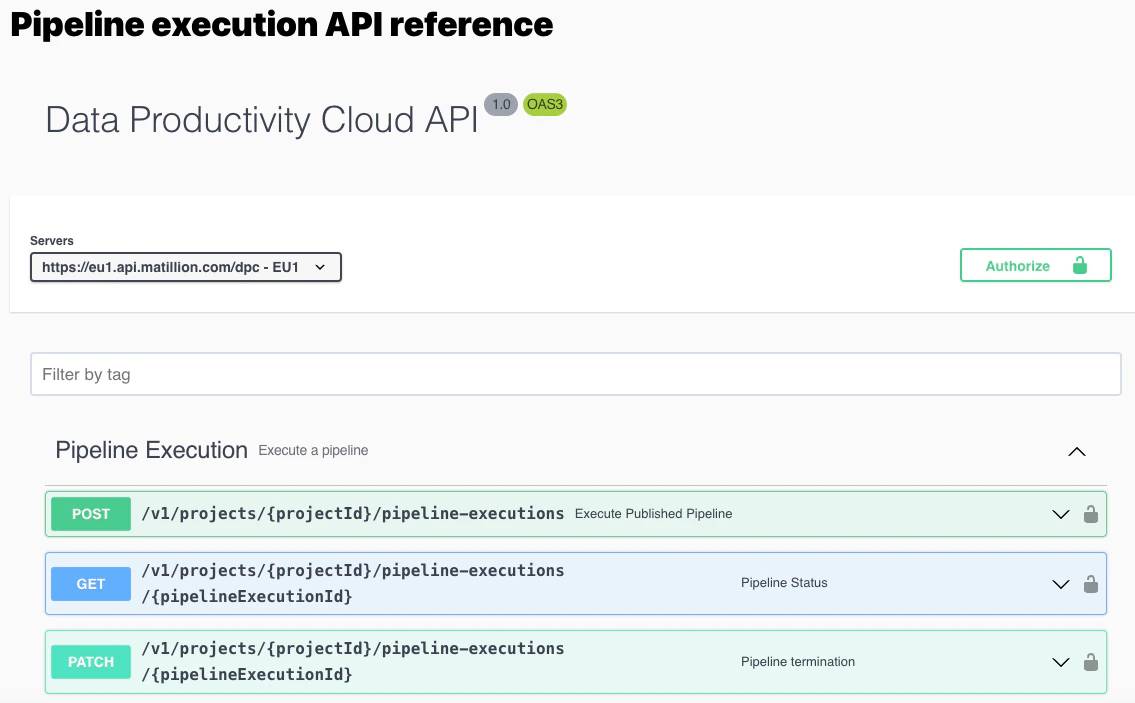
Navigate to the OpenAPI reference.
-
Select the Servers dropdown to choose the appropriate server for your API.
Make sure your account is in the same region as the endpoint server.
- Locate Authorize button at the top of the reference page.
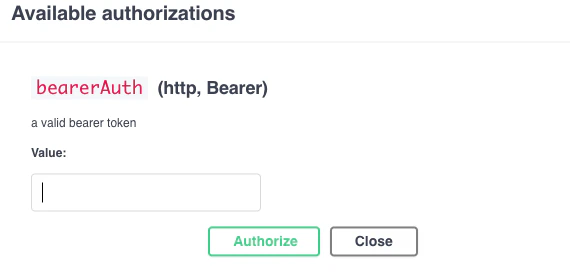
- Click the Authorize button, and a dialog will appear.
- In the dialog window, input the bearer token obtained earlier using tools like Curl or Postman.
-
Click the Authorize button within the dialog window to complete the authentication process. This step authorizes your API reference.
Test an endpoint
- Identify the specific endpoint you want to test within the OpenAPI reference.
- Click on the endpoint to expand its details.
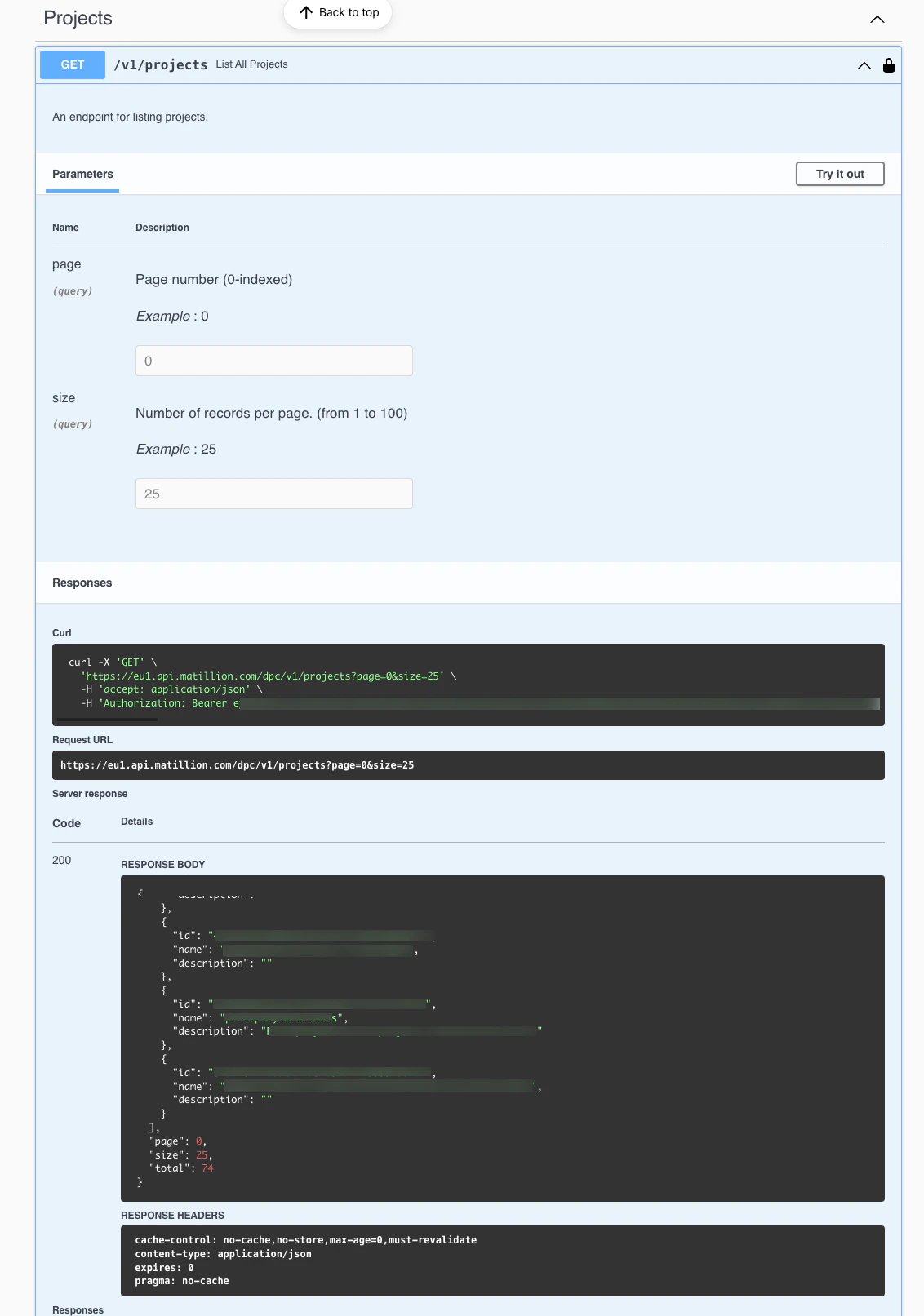
- Explore the available parameters, request/response examples, and other relevant information provided in the console.
-
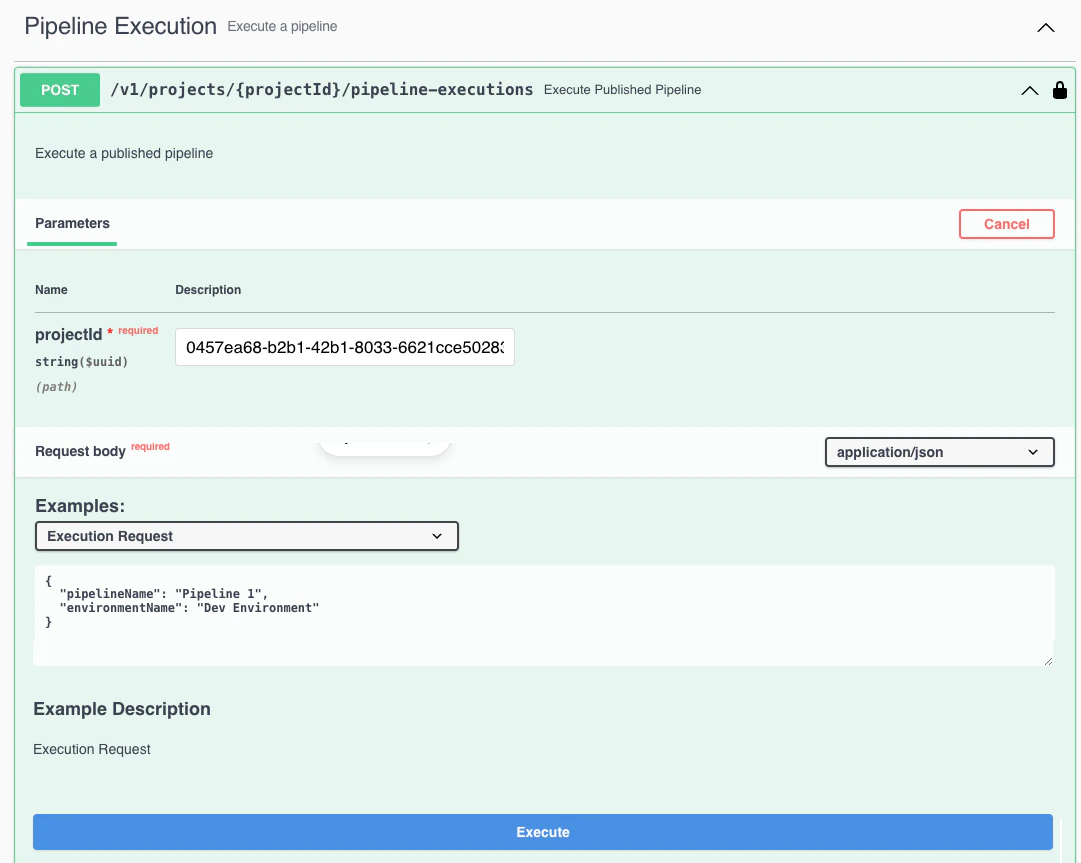
To test the endpoint, click the Try it out button.
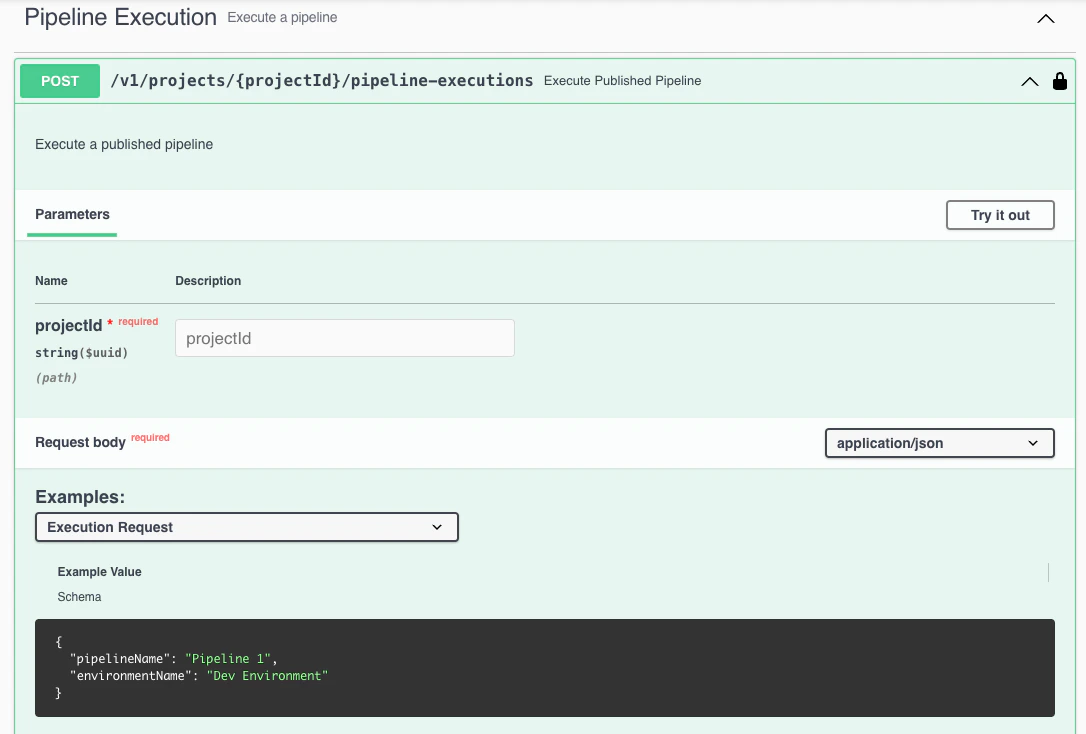
- Input any required parameters or payload data.
-
Click the Execute button to send a request to the selected endpoint.
-
Review the response details, including status codes and response payloads, to ensure the endpoint functions as expected.